How to Mute People on Instagram, WhatsApp, and Other Platforms
Platform 'mute' hides updates without blocking, different from real-world mutism. Quick guides for Instagram, WhatsApp, Facebook, plus communication tips for actually mute users.
Editorial Team
Direct Answer
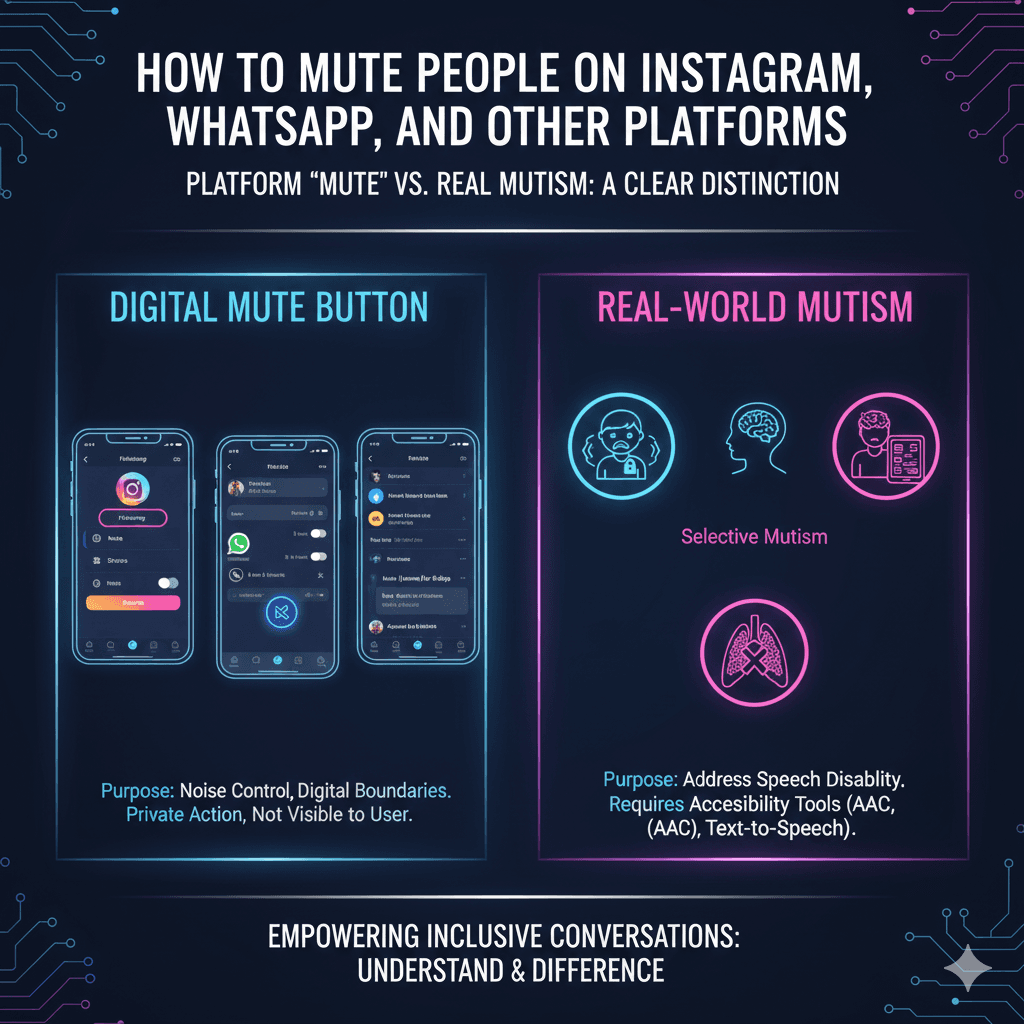
Muting on social media is a privacy feature used to hide a user's posts or stories from your feed without unfollowing or blocking them. On Instagram, you can mute by tapping 'Following' on a profile; on WhatsApp, by long-pressing a chat. It is important to distinguish this digital 'mute' button from medical mutism, which is a speech disability and not a social preference.
Platform Mute vs. Real Mutism
The digital 'mute' button is designed for noise control and digital boundaries. Real-world mutism is a medical condition that may stem from neurological, physical, or psychological factors (such as Selective Mutism). When interacting with someone who is actually mute, use accessibility tools rather than social media 'muting' features.
Step-by-Step Guides
| Platform | Mute Steps | Duration Options |
|---|---|---|
| Profile > Following > Mute > Toggle Posts/Stories | Until manually toggled off | |
| Chat > Long-press > Mute Notifications | 8 hours, 1 week, or Always | |
| Post Menu > Mute [Name] for 30 days | 30 days |
When to Use Each
Use platform muting for mental health breaks or to curate your feed. When communicating with a mute individual, use text-based apps, AAC devices, or gestures to ensure an inclusive conversation.
FAQs & Resources
- Can they see that I muted them? No, muting is a private action and the other user is not notified.
- Is it permanent? No, you can visit the 'Muted Accounts' section in your settings to undo it at any time.
Link: Common mutism myths. Reference: Instagram Help Center