Best Accessibility Features on Android and iOS for Mute Users
Compare Android and iOS accessibility: Live Caption vs Live Speech, AAC tools, and more for mute users. Side-by-side guide to built-in features empowering daily interactions.
Editorial Team
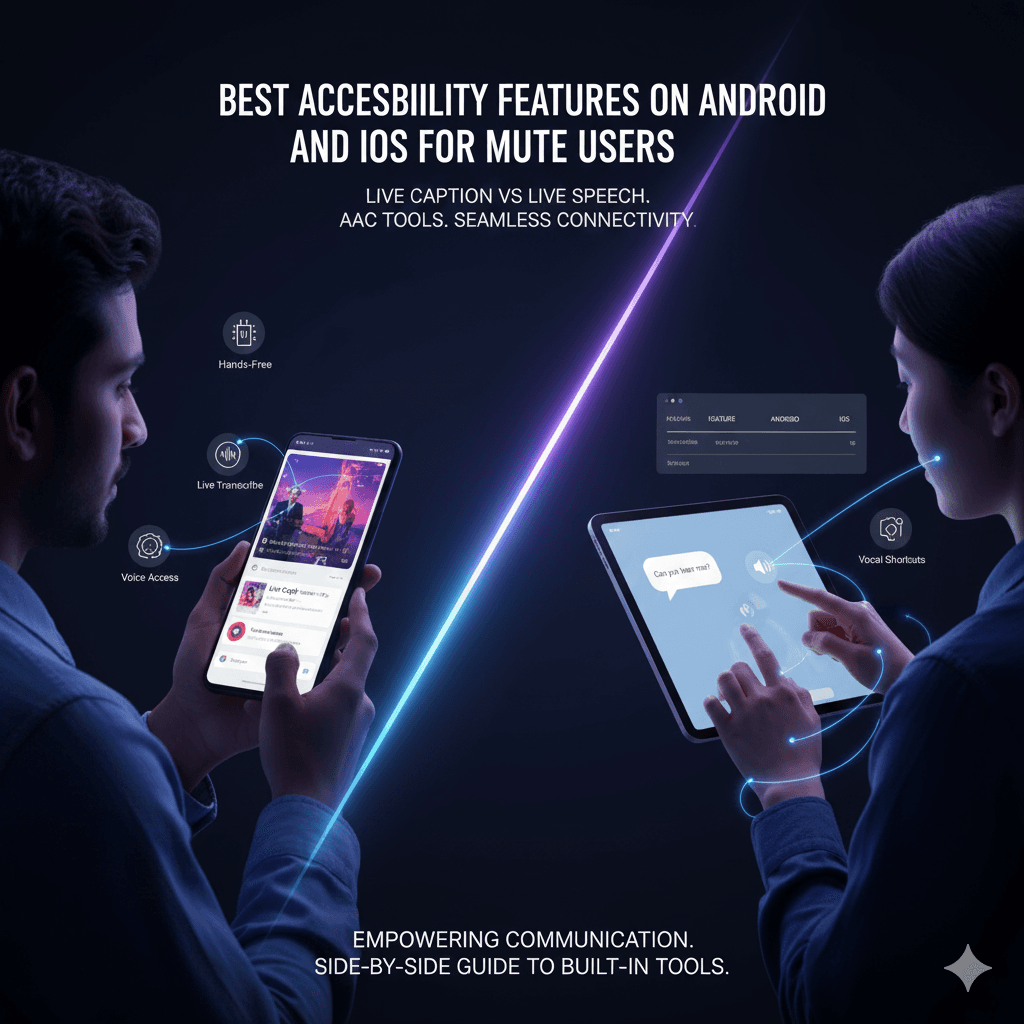
Direct Answer
Android offers Live Caption and Live Transcribe for real-time captioning; iOS provides Live Speech and Vocal Shortcuts for text-to-speech. Both support AAC without extra apps.
Core Features Overview
Android's accessibility suite includes hands-free Voice Access and Guided Frame, while iOS adds eye-tracking and Braille input. These process data on-device for privacy.
Feature Comparison
| Feature | Android | iOS |
|---|---|---|
| Captioning | Live Caption (media/calls) | Live Captions (real-time) |
| Speech Output | AAC apps integration | Live Speech + Vocal Shortcuts |
| Hands-Free | Voice Access 'Hey Google' | Eye-tracking controls |
| Customization | Dark theme expanded | Hover Typing |
Use Case Scenarios
For calls, Android users toggle captions via volume; iOS users dictate phrases. In meetings, both enable text sharing.
Tips and FAQs
- Android: Settings > Accessibility > Live Caption. - iOS: Add to Control Center for quick access. FAQ: Offline support? Yes on both. Link: smartphone tips. References: Engadget Android Apple Features